

GLOWUP · SOCIAL MEDIA GUIDES
Buy Facebook Page or Profile Followers: Which Link to Submit
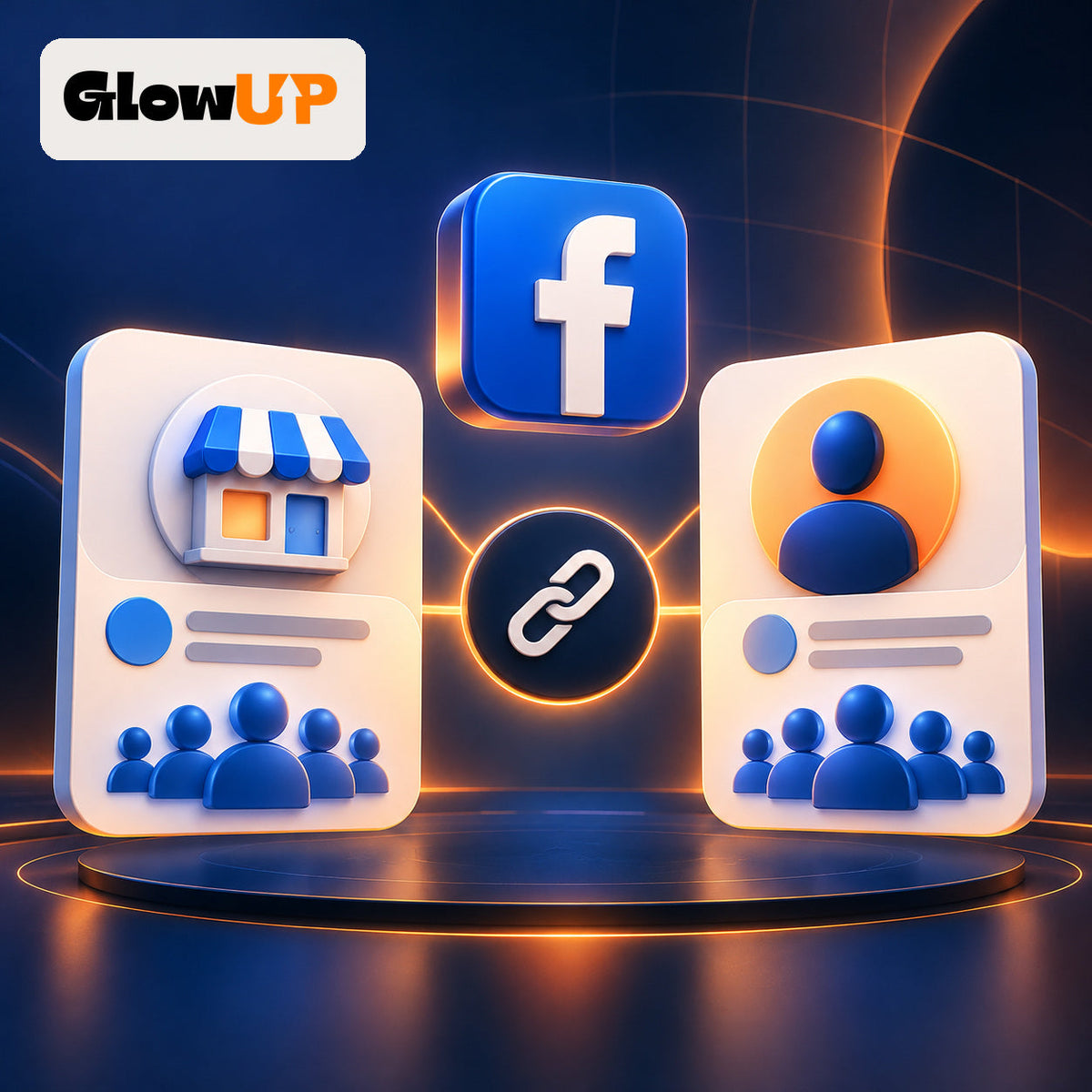
Before you buy Facebook followers, identify whether the destination is a Page or a profile. A business, brand, or organization will usually need the Page follower service. A creator or individual using a public profile will need the profile follower service. Submit the main destination URL, not a post link.
Meta treats Pages and professional-mode profiles as different public-presence options. Its official Page versus professional mode guidance can help you confirm which one you manage.
Quick decision table
| What you manage | Best-matching GlowUP service | URL to submit |
|---|---|---|
| Business, brand, or organization Page | Facebook Page follower packages | The Page's main public URL |
| Creator or personal profile with following enabled | Facebook profile follower packages | The profile's main public URL |
| A specific public post | Facebook likes and reactions | The public post URL |
Choose Page followers for a business destination
Select the Page service when the destination represents a company, store, brand, public figure, or organization and Facebook identifies it as a Page. The current product lists 1,000, 2,000, and 5,000 follower options. Check the live product page for the quantity and terms shown at checkout.
Open the Page itself and copy its main URL. A Reel, video, photo, or feed post is a different destination and should not be submitted for a Page follower order.
Choose profile followers for a creator or individual
Select the profile service when the destination is a person or creator profile that allows people to follow it. Meta says that professional mode lets people who are not friends follow a profile and see its public content. Review Meta's official follower settings guidance if the Follow option is missing.
The profile product currently lists 500, 1,000, and 1,500 follower options. Make sure the profile can be opened and identified from the URL you provide.
A 60-second URL check
- Open the exact Page or profile that should receive the service.
- Copy the main URL from the browser or the destination's Share option.
- Open it in a private window or another logged-in account.
- Confirm the name, image, and destination type.
- Paste it into the matching product field and review the order summary.
You should not provide a password or admin access. The public destination URL is what identifies the order target.
Four mistakes to avoid
- Ordering Page followers for a profile: the product and destination do not match.
- Submitting a post URL: post links belong with post reactions, not follower packages.
- Treating reactions as followers: reactions apply to a compatible post and do not add Page or profile followers.
- Assuming U.S. audience origin: buying from the United States does not mean the delivered followers are U.S.-based unless the product explicitly says so.
How many should you choose?
Choose the destination first, then compare the available quantities. A larger package does not guarantee reach, engagement, or sales. It defines only the purchased quantity; your content, offer, and customer acquisition work remain separate.
If you still need to decide between account types, read professional profile or Facebook Page. Then compare the live Page follower packages and profile follower packages.
FAQ
Can I submit a Facebook post URL for a follower order?
No. Submit the main Page or profile URL. Use a post-reaction product for a public post.
Can a regular profile receive followers?
That depends on the profile type and settings. Meta documents professional mode as the public option for creators; confirm that Follow is enabled before ordering.
Does buying followers guarantee sales?
No. It does not guarantee reach, engagement, or sales. Treat the package as separate from your content and acquisition strategy.
Products and sources reviewed October 26, 2026. Facebook features, quantities, and terms can change.