

GLOWUP · SOCIAL MEDIA GUIDES
Instagram repost vs sharing to your Story: what is the difference?
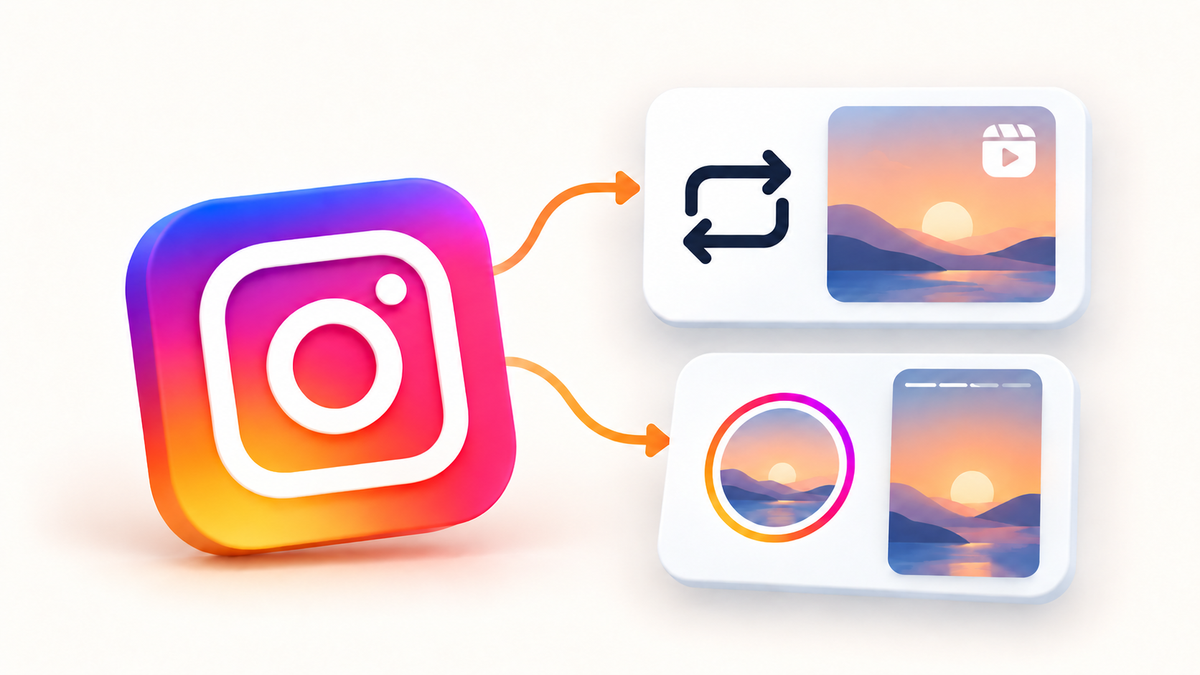
An Instagram repost recommends an existing public post or Reel while keeping its original creator attached. Sharing to your Story places content in a different viewing context. Neither action is the same as downloading someone else's video and publishing a new copy.
What an Instagram repost does
Native reposts can appear as recommendations to friends and followers and are collected in a separate profile tab. Think of the action as recommending an existing piece of content, rather than creating an original post of your own.
Choose by purpose, not by the button
- Use a repost when your aim is to recommend the original piece.
- Use a Story share when the piece needs context within your Story, such as a note about an event or a collaborator.
- Create a new post when you have your own material or permission to reuse the material involved.
For example, a local shop might recommend a customer's public Reel with a repost, then use its own Story to explain an upcoming event. That is a content decision, not evidence that either format will deliver a particular number of views.
A simple repost checklist
- Open the exact post or Reel and check the original account.
- Look for the repost control in the available actions.
- Follow the confirmation shown in your app.
- Review the result on your profile.
If your aim is to share to a Story, choose the Story-sharing option instead. Interface wording can vary, so check the action rather than relying on a screenshot from a different app version.
What if the repost option is missing?
Start with checks you can verify: whether the original content is public, whether your app is updated, and whether the option appears on another eligible post. A missing button alone does not establish an account restriction. If the problem affects every suitable post, use Instagram's in-app help to report it. Do not give a third-party site your password to unlock a feature.
Measure the outcome separately
A repost count is not a count of unique viewers. Before sharing, decide whether you want to assess distribution, views, profile interest or enquiries. Record a baseline and compare the same reporting period. If other promotions run at the same time, you cannot attribute every change to the repost.
Our guide to Instagram views versus reach explains how to read those two numbers without treating plays as individual people.
Before choosing a repost service
Check the eligible format, the exact content link, the delivery terms and what the stated quantity covers. A package should not be interpreted as a promise of sales, followers or unique reach. You can review GlowUP's Instagram repost packages if this is the action you need.
Quick answers
Does reposting make the content mine?
No. Keep the original authorship clear and obtain permission before creating your own reused version.
Should I submit a profile link?
For a service applied to one post, use that post or Reel's direct link. Open it yourself first to check the destination.
Source: Meta — Instagram.